OUGD504: Design Production - Design for Web Testing my skills

I have a firm idea of what I want my website to look like and I have produced several wireframes and thumbnails of my ideas. After completing the web sessions I wanted to refresh my skills and build a website very quickly like we did in the session. I used the same dimensions which were provided by Simon in the session because I thought it would be the most simple way to test my skills. 

I opened up a document in Dreamweaver and set up a stylesheet and coded the basic information into it. I was given a very basic page with a title and a navigation bar across the top. I had not coded the width correctly along the top but I was very happy with the basic design I had come up with as a start.  I knew that I wanted my navigation bar to be down the left hand side so I tried out the coding of a left aligned bar in the below. After doing this simple task I can now use this as a base to start my website based on the wireframes I have created. 


Coding so far:


Wireframe #1


I have a rough idea about the pixels and the spacing between each different aspect of the site so it is just down to me trial and error testing my site with Dreamweaver.

Adding a scroll bar

I want to add a scroll bar to my website because I think it will be really boring and defeat the purpose of interactivity with the user if it is a static non-moving web page.

We were not taught how to add this in the session so I have had to watch several tutorials in order to get an idea of how to add it.

The first one I watched was by Josh Brickey from USA.


This explained how to add a scroll bar to a particular text box not the whole page, I tried to apply his coding to my website to see if it would add a scroll bar to the page.


This is the code which I got from his tutorial. I recognised most of the jargon which was within it so I thought it would be a good plan to try it out.


Adding the overflow to my stylesheet


Adding the div id into my html document


Nothing happened, I am wondering if it is not working because I do not have any content on the page as of yet. 


Adding columns to the page


I repeated the code from the session as it fit in with my wireframe but it did not work. 


Adding the div id's to my html document did not help either


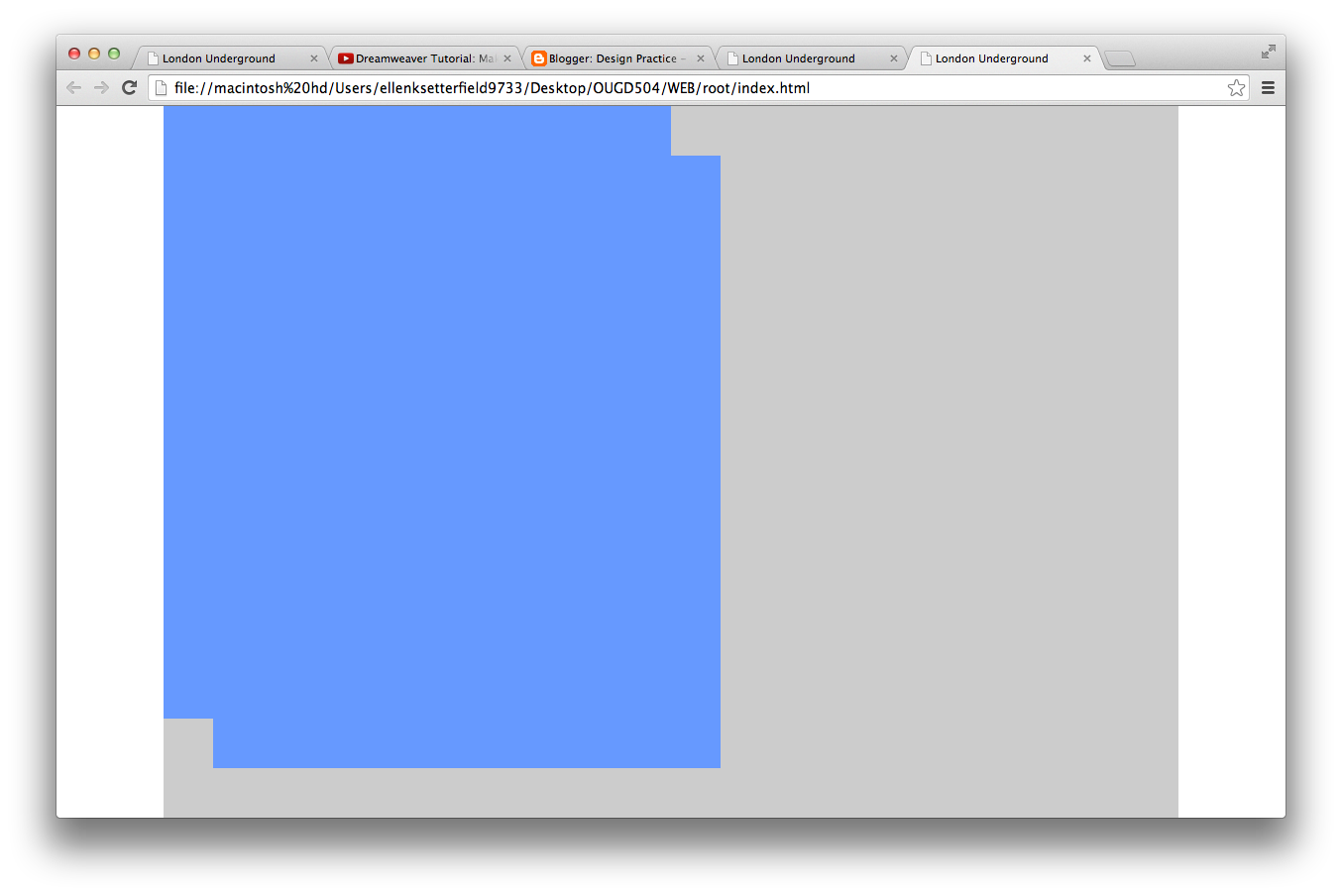
Adding Lorem Ipsum into the column to see if that was the problem. I also deleted the overflow scroll option to see if that was causing the problem. 


The blue box changed and the type I had added had gone into the navigation bar as I hoped. The lorem ipsum had still not shown up in the columns I had created. 


OUGD504: Design Production : Design for Print and Web ISTD Primary Research Wayfinding

One of the main aspects of the Type Factory brief which attracted me was the prospect of designing way-finding and information graphics for the museum. I really enjoy way-finding and find it very interesting. Whilst I was out and about over Christmas I took pictures of way-finding and information systems which I came across as some primary research.

B&Q:

I went to B&Q and noticed that the warehouse where it was situated was very large as it has to be, I found the way-finding system within the store to be very interesting because it was so simple. Each isle was clearly noted and split into sections. Not only did this add organised structure to the store but it also made it very easy for a customer to get to the isle they needed without having to ask a member of staff. Signs in shops and stores are obviously a common thing but I do think that the signs within a shop such as Tesco are not raised high enough for people to find their way around on their own. In B&Q however it is clearly labelled. I want my museum to be an experience which is entirely lead by the people who are visiting. I know that when I have visited a museum it is nice to be able to explore and find my own way around, this is something I really want to make clear within my designs. I think that B&Q have hit the nail on the head in the way of user experience with minimal contact. 


The Royal Armouries Leeds:

On my trip to the Royal armouries I identified the type of way-finding which I think would suit my museum. The simplicity of the design is what I find very appealing as it is so easy for people to get around the museum. I have noticed that in most museums it is normal for the numbers of each floor to be quite large and dominant which is something I am going to use within my design work. 


Simple illustrations continue within the design of this museum. I think that vectors are the best way to display each of the different aspects of the museum though the brief is set by a typographical examining body which I think I will have to take into careful consideration. 


 National Football Museum:

The National Football Museum in Manchester has some very simple signage and way-finding also which seems to be a trend within museums. Though this is not necessarily way finding the signage is something which I will have to consider for my project also. I admire the building for my museum and also the location. I am wondering whether it would be possible to place my museum within this building as it is simply a made up concept.


Manchester Arndale Food Court:

Whilst I was in Manchester I also took some photos of the illustrations on the bins within the food court. Though this is not necessarily relevant to my project it confirms how important information and way-finding graphics is within life. I specifically like the vector images which are used within this design and think that it would be a good idea to use this style within some of the design for my museum. 


 Trafford Centre:

The Trafford Centre's way-finding is much more subtle than any of the other examples I have shown. I think that this reflects the target audience of the establishment. The way-finding and signage for this shopping centre is a little played down but at the same time it is very clear. I think that for my museum it is important to make an impact within the way-finding due to the target audience and the way I want people to be able to use it.


OUGD504: Design Production - Design for Print and Web ISTD Embossing Experiments

For the ISTD brief I wanted to focus my project more on the web aspect but I knew that the brief needed a print aspect aswell. I didn't have the time in university to book into many workshops which would have been great for this project but due to Christmas this meant that I had limited time to try out many processes. I did however get to laser cut and emboss some aspects of the project. 

I tried out the laser cutter in the print brief and really enjoyed the process so I thought it would be beneficial for my own practice to try it out again. I only cut my logo as it was an experiment but I also cut an experiment for my print project. Perviously I cut into quite thick MDF which was not as easy to emboss so this time I asked for some thiner MDF. I set the cutter to 0.2 width instead of 0.1 due to the timescale. This meant that the laser left a larger gap between each stroke. This inturn was not the best option as it had to be cut again as it had not risen enough. Due to the amount of black space which was on the design it took around 40 minutes all together to cut the whole design. 


Cutting the design:


Once the designs had cut up the technician cut them up on the large saw machinery. He said that it might be worth sanding down the design so that the paper would not get dirty when the pressure was added to it. Due to the lines being so spread apart the wood was shedding quite alot, I experimented with sanding down the background on one of my designs and found that this helped the design to become raised off the wood. I did this for the other designs I had cut and felt very positive about how they turned out.

Cutting down the designs:


Final wood designs:

Now that the designs are cut down and sanded I am really with them and I think they will emboss really well as the depth is quite significant. 


At Vernon Street:

I took my designs down to Vernon Street to try out the embossing on the Hydraulic Nipping Press. I experimented with it on the paper which I had produced my print based designs on. I had also printed out some of my business cards to experiment with the emboss on them. 

 Laying out my designs:


Layering up the packing to go on the press:


Adding tissue to make help the board fit under the press. As I had used wood it made the design much thicker than the usual copper plate which is used at Vernon Street. In order to the design to fit under the machine I had to add extra tissue packing and remove one of the boards which the design sits on.


Design in the press:


How it worked out:

The emboss worked really well which was very positive but unfortunately the design had been cut down too much for the business card to be embossed properly. I found it very hard to line up the design onto the printed cards and also the paper folded around the wood block as it was too small for the size of the card. I experimented with the larger design to give it another effect but this design was too large. All in all the process was a great learning curve and though it was a disappointment it was not essential for my projecyt.


OUGD504: Design Production - Design for Web Testing my Website

As my website is aimed at young children I decided to test it out on my 8 year old cousin. I put him on the homepage and left him to navigate it himself.  He looked at the homepage and understood what the purpose of the site was and clicked on the buttons within the navigation to look at the rest of the site. My history page needed a scroll bar adding which he noticed straight away, he had no problem reading any of the information on the page and responded well to the horizontal grid instead of reading it vertically. As he clicked on the inspiration page he became more interested as it had links to other pages which made it more interactive. The final page is more child orientated with the colour scheme I had chosen, he found this page the most interesting and wished that the games option had worked. I explained that I did not have the skills to be able to add games to the website, I directed him to the Make Things Do Stuff website which was designed by Numiko. I explained that had I had the skills I would have made the page very much like that website. He really enjoyed playing around on the website and included his younger brother within it. Overall, my website went down really well which was a relief.


OUGD503: Responsive - Studio Brief 1 (Progress Crit)

Today we had the first of our progress crits for our main brief of 503. I have chosen the Femfresh brief because I liked the concept of the brief an also think that I can produce something professional and successful to resolve the problem. 

We started off the session with a powerpoint presentation which instructed us on how we were going to crit each others work.

How well does the work presented communicate your concept/product/context?
What are we looking for?
  1. clear concepts
  2. does the solution meet the brief?
  3. clearly defined audience
  4. appropriate defined distribution methods
  5. are the audience informed?
We were to use these questions within our crits and also identify common conversation points within our groups. We were split into small groups of 4 and each presented our work along with any other live briefs we have worked on. 

My feedback:

  • I would be more inclined to use an app instead of the diary
  • The envelope has to be interesting for me to open it
  • Experiment with other colours which aren't so clinical
Though my feedback was quite sparse I do think that I have some grounds for improving my project. I also think that due to the fact my group was mainly girls that this helped me as the product is only for women. 

After the crit we looked into the pros and cons of Graphic Design practice.

'The limitation with practice is that we do not have the luxury of time' - Fred Bates.
How are we going to resolve the brief in the timescale?
We might have to propose some of the things we cannot achieve.

Fred said that if our brief was more or less finished that we should look into other avenues we could go down to push the brief. I think that it is important to use the entire timescale, having time left over is not a good thing. 

After the session we were asked to continue working on the brief and be ready for an uber crit in two weeks time. 


Copyright 2010. All rights reserved.

RSS Feed. This blog is proudly powered by Blogger and uses Modern Clix, a theme by Rodrigo Galindez. Modern Clix blogger template by Introblogger.